In industrial and embedded applications, a cable is often more than a simple connection between two devices.
While standard USB cables are widely available, many professional applications require a custom solution that considers connector compatibility, power requirements, data performance, cable length, installation environment, and long-term reliability.
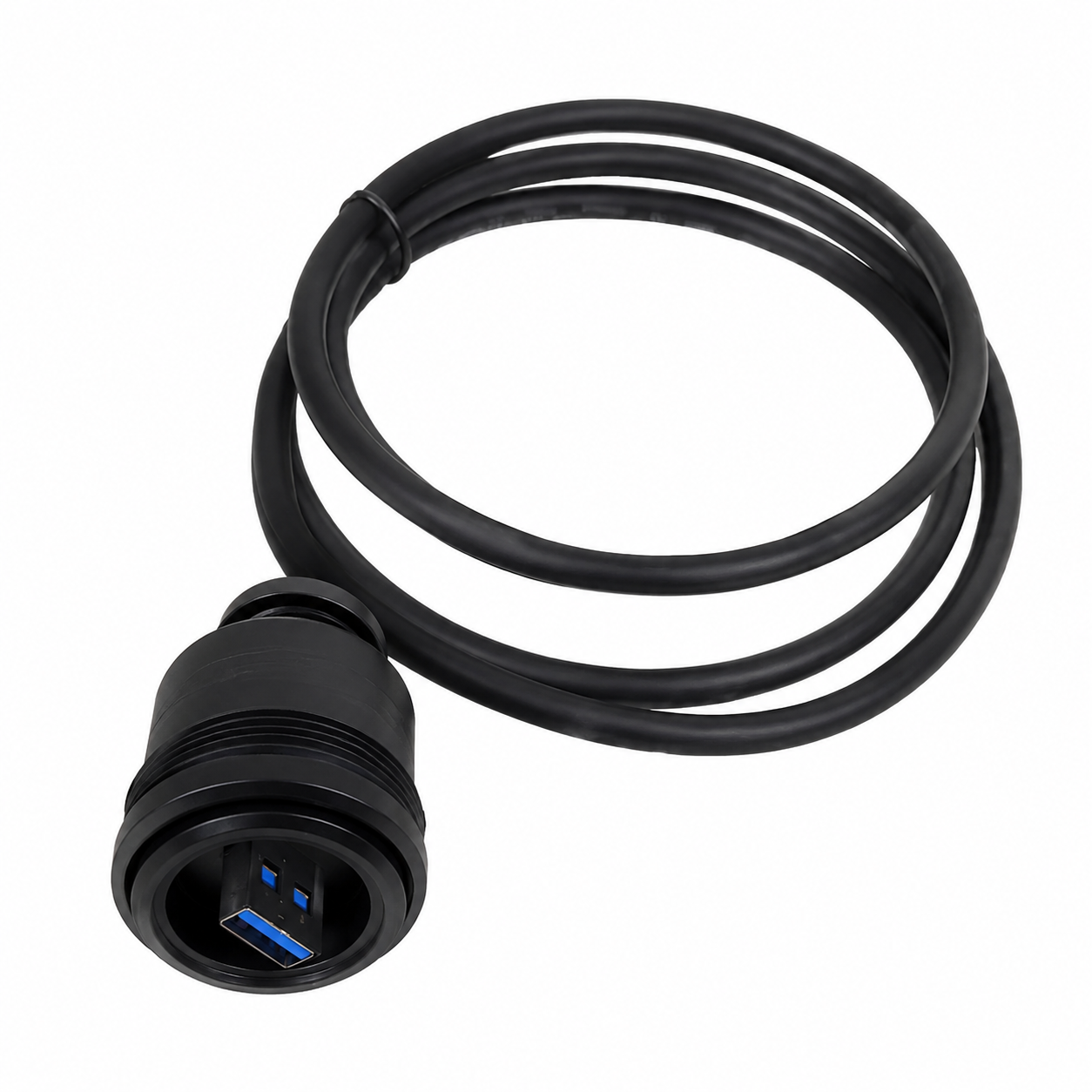
Alvin’s Cables recently developed a custom Bulgin USB 3.0 Type-A to USB-C cable assembly for an embedded computing application using an Orange Pi 5 Plus single-board computer.
The project required a cable that could combine:
- Industrial-grade Bulgin USB connectivity
- USB 3.0 data transmission
- High-current 5V power delivery
- Custom cable length
- Reliable fixed installation
This project demonstrates how custom cable development requires understanding the complete application, not just matching two connectors together.
Customer Requirement: Industrial USB Power and Data Cable
The customer needed a custom cable with the following configuration:
- Connector A: Bulgin PX0840/A3/1M00 USB 3.0 Type-A
- Connector B: USB Type-C Male
- Cable Length: 1200 mm end-to-end
- Data Requirement: USB 3.0 communication
- Power Requirement: 5V power delivery
- Application Device: Orange Pi 5 Plus
- Installation Environment: Fixed installation
The cable would primarily be used for power, while maintaining USB data capability for communication.
Although this may appear to be a standard USB cable application, the combination of industrial connectors, high-current power requirements, and USB 3.0 data transmission created several engineering considerations.
Engineering Challenge: Balancing Power Delivery and Data Performance
For a USB cable used in professional equipment, current capacity alone is not enough.
A cable must also maintain stable voltage at the connected device.
When current increases, resistance from conductors and connectors can create voltage drop. In low-voltage applications such as 5V power systems, even a small voltage loss can affect equipment stability.
Our engineering team evaluated the cable design with two primary goals:
Reliable Power Delivery
The power conductors need to provide sufficient current capacity while minimizing resistance and unnecessary voltage loss.
The cable construction must be selected based on:
- Required current
- Cable length
- Connector limitations
- Expected operating conditions
Maintaining USB 3.0 Signal Integrity
At the same time, the cable must preserve USB 3.0 performance.
High-speed USB communication requires careful attention to:
- Differential signal pairs
- Shielding
- Cable construction
- Connector termination
Combining higher-current power capability with high-speed data performance requires a more advanced cable design compared with a standard consumer USB cable.
Integrating the Bulgin USB Connector
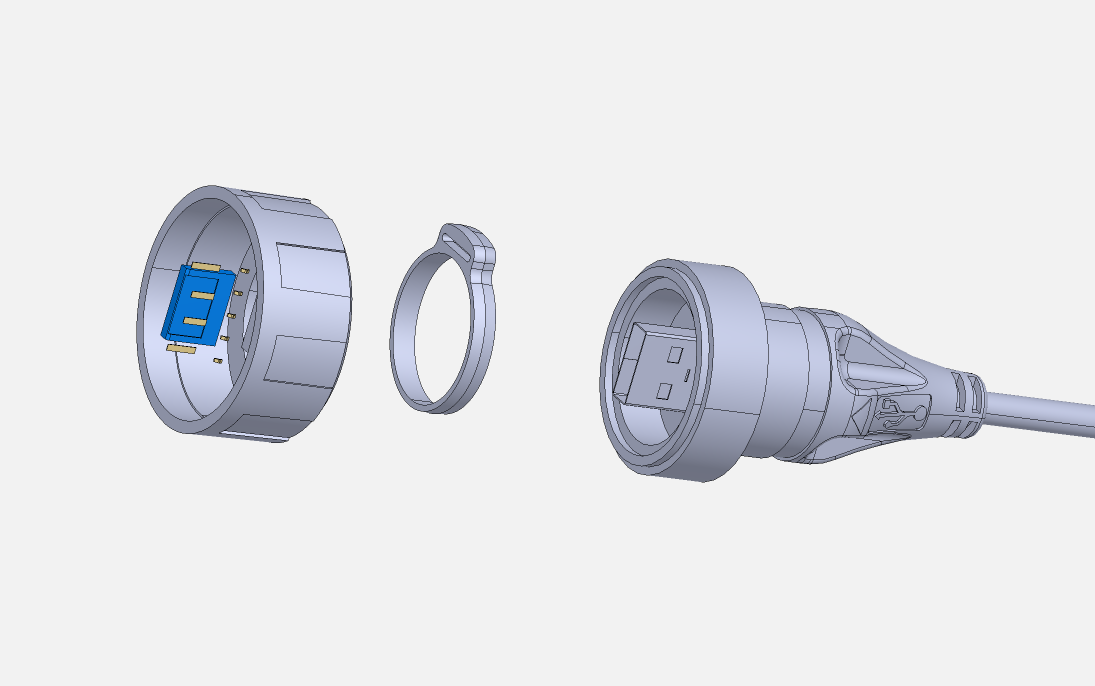
The customer specified the Bulgin PX0840/A3/1M00 USB 3.0 Type-A connector, an industrial connector designed for applications requiring a more rugged connection solution.
Because this connector was not part of our standard cable inventory, our team evaluated the most practical manufacturing approach.
For custom cable projects, the best solution depends on multiple factors:
- Connector availability
- Required production volume
- Development cost
- Future production needs
- Project timeline
By selecting the appropriate connector sourcing and assembly method, we were able to maintain the customer's preferred industrial interface while developing a practical production solution.
Designing Around the Actual Equipment
One of the most important steps in custom cable development is understanding the equipment being connected.
Instead of designing only around a specification such as “USB-C 5V power,” our engineering team reviewed the actual application: the Orange Pi 5 Plus.
Understanding the end device helps determine:
- Power requirements
- Expected operating conditions
- Required cable construction
- Potential limitations
- Appropriate validation methods
This application-focused approach helps ensure that the final cable is designed for real-world use rather than only meeting a connector specification.
Custom Cable Assembly for Industrial Applications
Industrial customers often require cable solutions that are not available as standard products.
Common custom requirements include:
- Industrial USB cable assemblies
- USB-A to USB-C custom cables
- USB 3.0 data cables
- High-current USB power cables
- Custom cable lengths
- Special connector combinations
- OEM cable assemblies
- Low-volume and production cable manufacturing
Each application may have different requirements depending on the equipment, environment, and performance expectations.
A successful custom cable project starts by understanding:
- What devices are being connected
- How power is delivered
- What data performance is required
- How the cable will be installed
- What environmental conditions it must withstand
Need a Custom USB Cable Solution?
At Alvin’s Cables, we support custom cable development for industrial equipment, embedded systems, cameras, automation equipment, testing systems, and professional electronics.
Whether you need a custom USB 3.0 cable, USB-C power cable, industrial connector cable, or OEM cable assembly, our engineering team can help evaluate your application and develop a practical manufacturing solution.
Provide your connector specifications, equipment model, cable length, power requirements, and application details, and we can help design the right cable for your project.