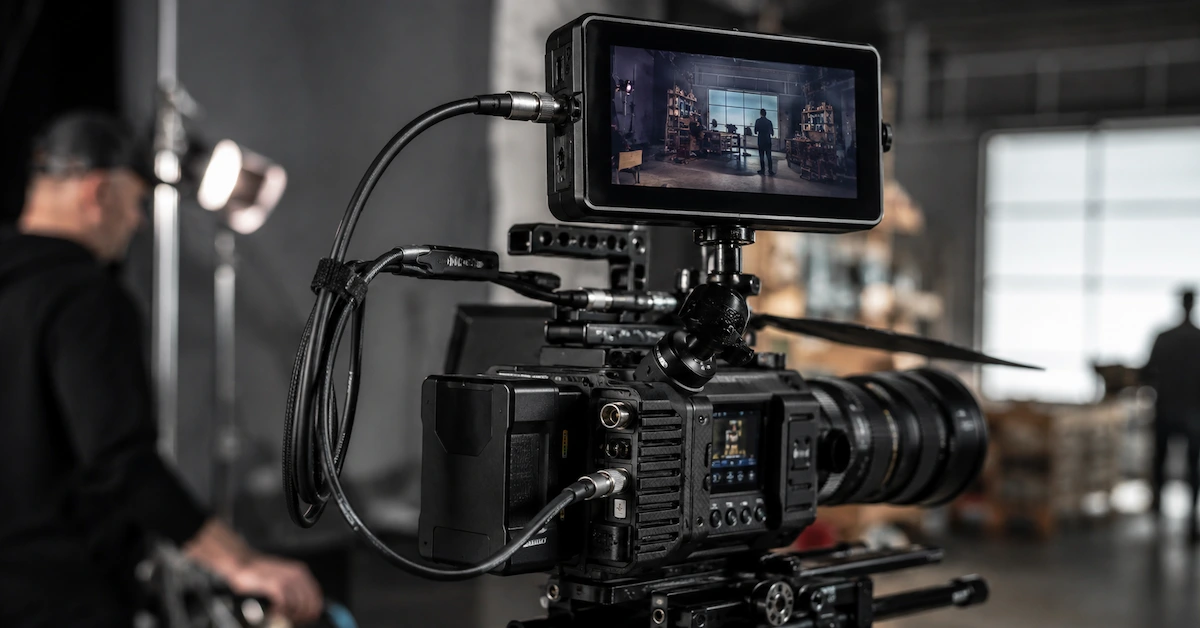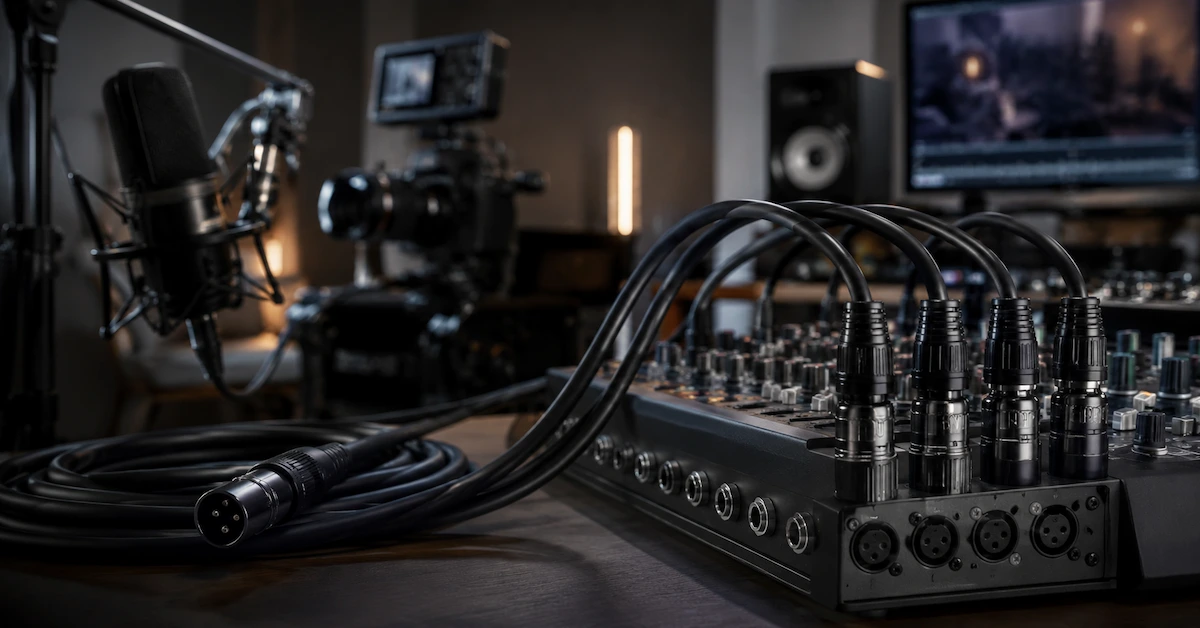
A professional video cable is more than a connection between a camera and a monitor. In broadcast production, film equipment, live streaming systems, camera rigs, and AV integration projects, cable quality can directly affect signal stability, image reliability, equipment safety, and on-site working efficiency.
For B2B buyers, choosing a professional video cable is not only about cable length or connector type. It also involves shielding, durability, flexibility, connector retention, signal format, power integration, and supplier customization capability.
Alvin’s Cables provides cable assemblies and connector solutions for industrial systems, professional video equipment, camera setups, and high-reliability electronic applications. For buyers who need custom cable assemblies for broadcast cameras, monitors, field production systems, or OEM AV equipment, the right cable solution can reduce signal failure and improve long-term usability.
What Is a Professional Video Cable?
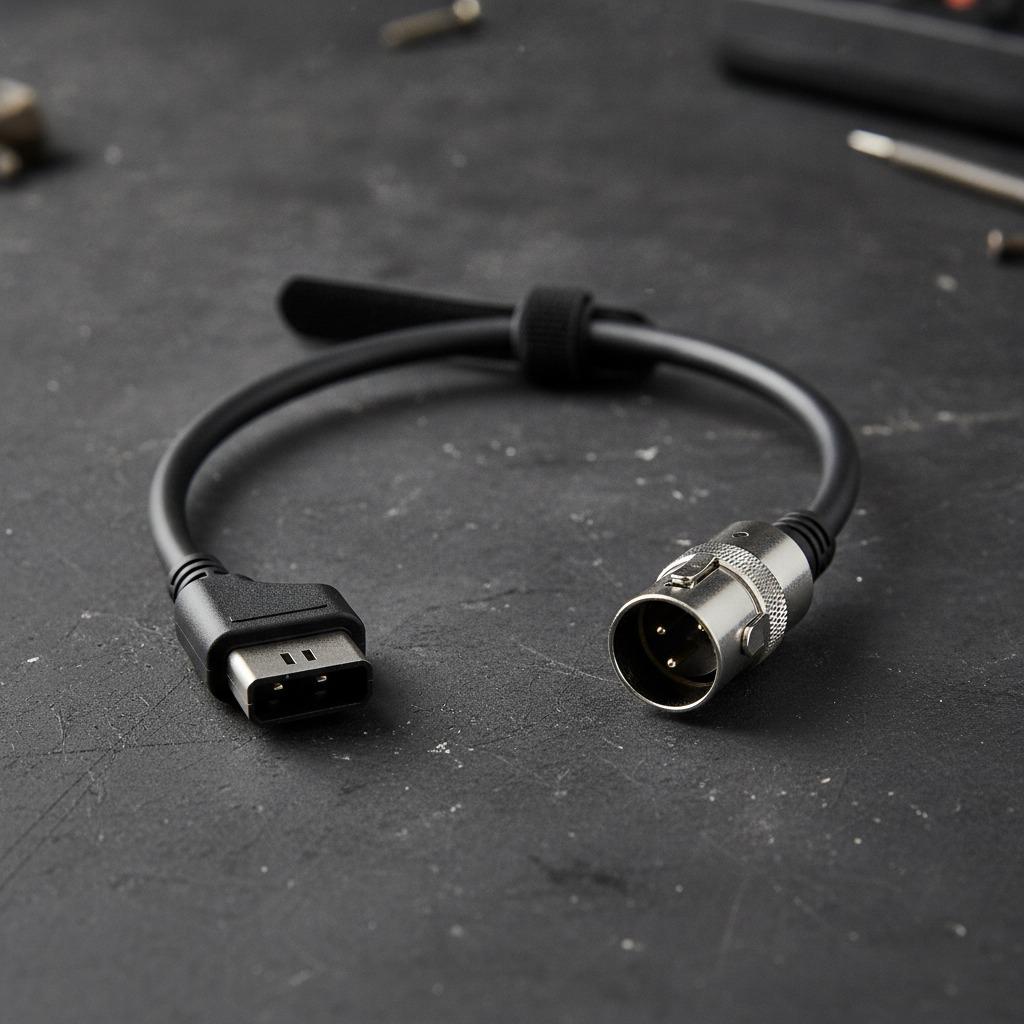
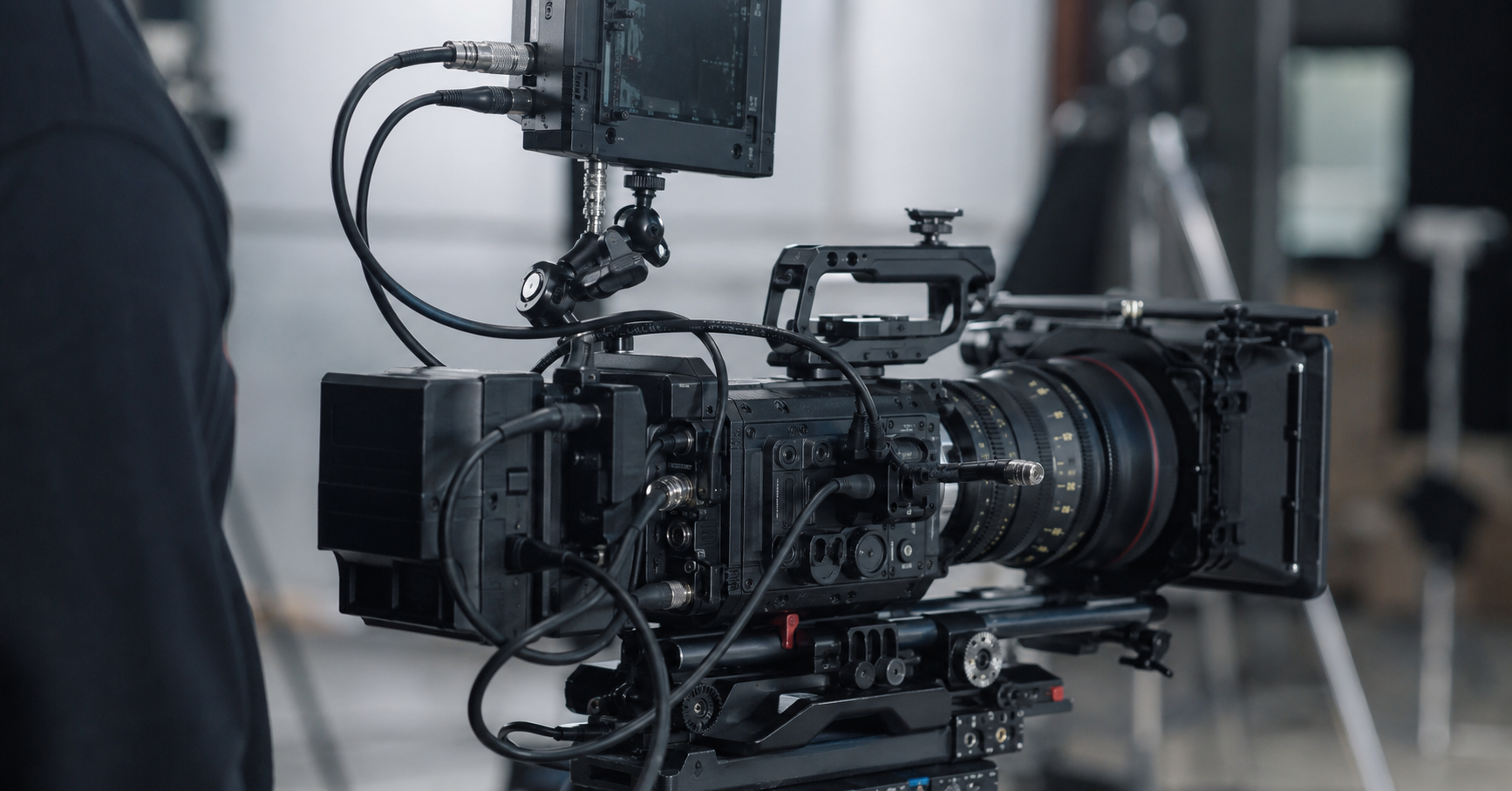
A professional video cable is a cable assembly designed for stable video signal transmission in demanding production or equipment environments. It may connect cameras, monitors, recorders, switchers, converters, control units, power systems, or customized AV devices.
Unlike consumer-grade video cables, professional video cables often need:
- Stronger connector retention
- Better shielding
- Stable signal transmission
- Repeated plug-and-unplug durability
- Flexible cable routing
- Compatibility with professional camera equipment
- Custom length and connector options
- Reliable performance in studio or field environments
A professional video cable should support both electrical performance and real-world use conditions.
Common Applications of Professional Video Cables
Professional video cables are used in many AV and imaging systems.
| Application | Cable Requirement | Common Buyer Concern |
|---|---|---|
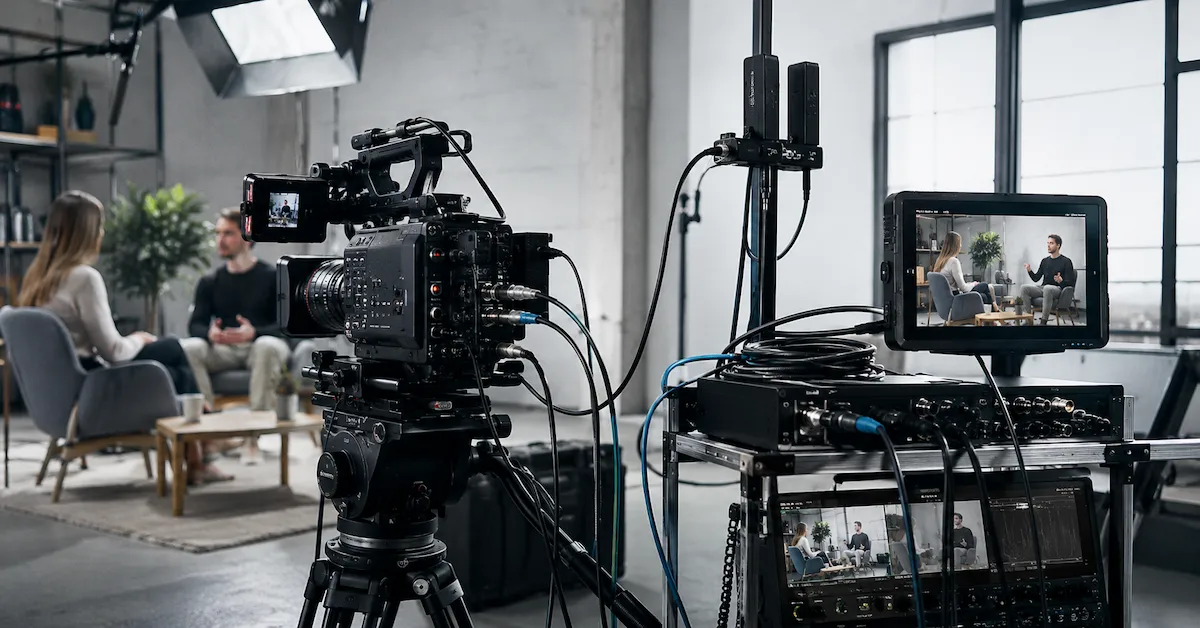
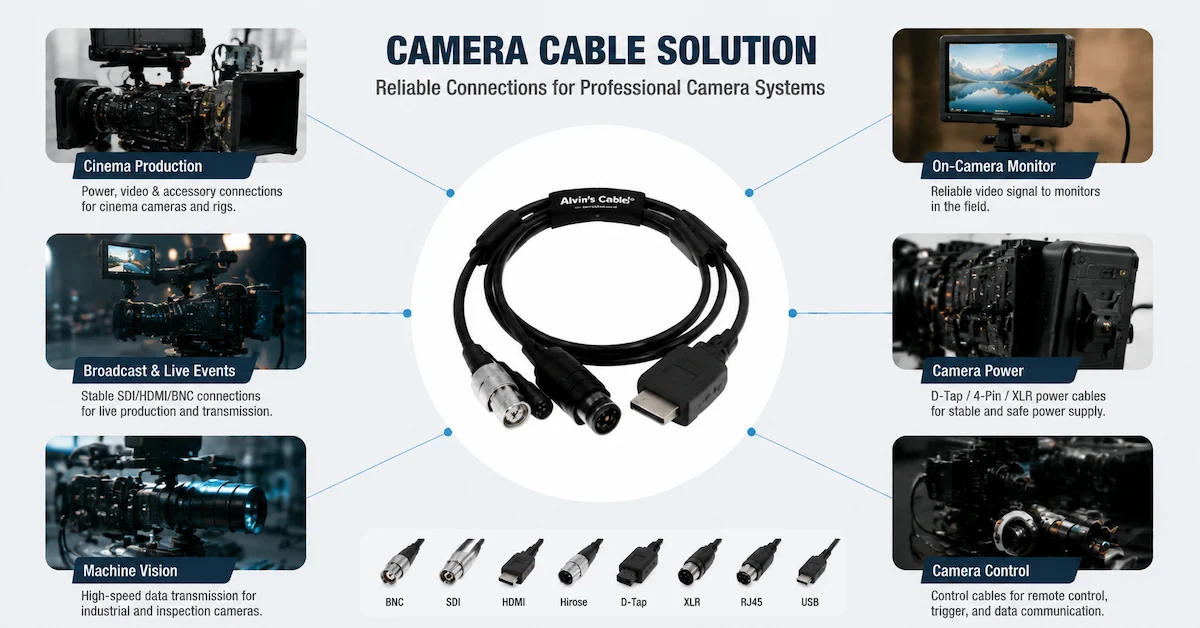
| Broadcast camera systems | Stable video signal and control connection | Signal interruption, connector durability |
| Film production rigs | Flexible routing and reliable connection | Cable clutter, field damage |
| Camera monitors | Video and power cable compatibility | Loose connection, unstable display |
| Live streaming equipment | Long working hours and stable signal | Heat, signal loss, frequent setup |
| AV control systems | Signal routing between equipment | Installation reliability |
| OEM camera devices | Custom interface and pinout | Batch consistency and integration |
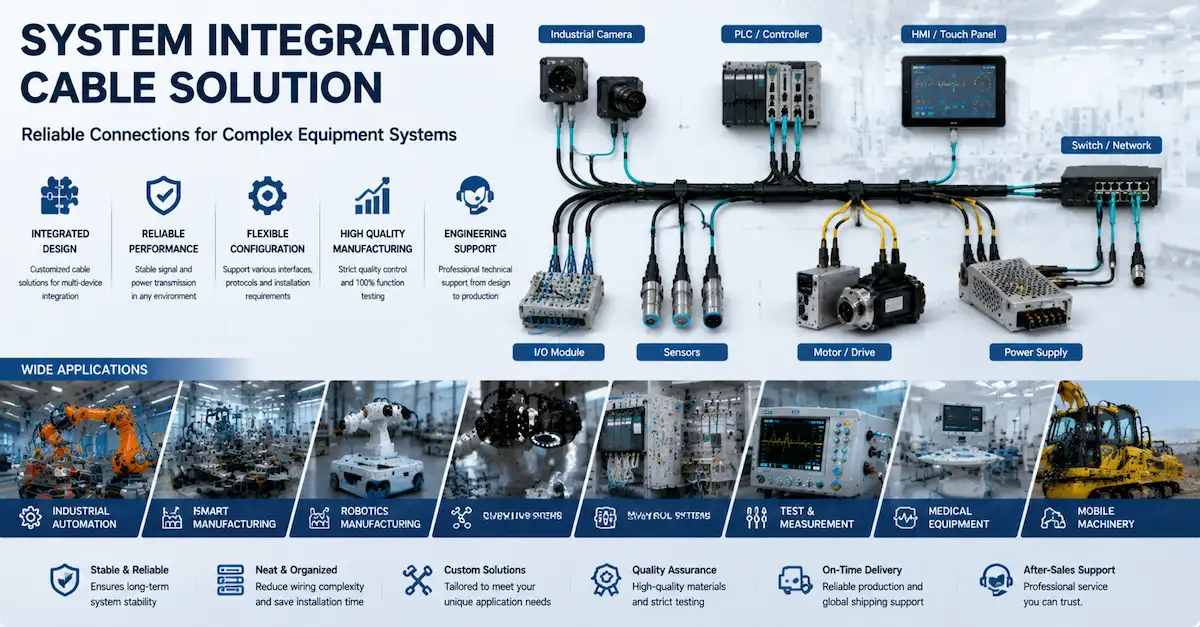
| Industrial imaging systems | Video/data signal plus rugged connection | Interference and harsh environments |
For these applications, a professional cable supplier should understand the difference between simple cable supply and system-level cable assembly support.
Why Cable Quality Matters in Video Systems
1. Signal Stability
Video systems require stable signal transmission. Poor cable quality may cause image noise, signal dropouts, unstable display, or intermittent connection.
Buyers should pay attention to:
- Cable impedance
- Shielding structure
- Connector contact quality
- Cable length
- Signal format
- Termination quality
- Grounding design
Even when two cables look similar, the internal structure may be very different.
2. Connector Reliability
Professional production environments involve frequent setup, movement, and equipment changes. Weak connectors can loosen, bend, or fail after repeated use.
A reliable professional video cable should use connectors with:
- Secure mating performance
- Stable contact resistance
- Strong shell construction
- Proper strain relief
- Good pull resistance
- Suitable connector orientation
For camera rigs and field production systems, connector reliability is often as important as signal performance.
3. Shielding and Interference Protection
Broadcast and AV environments often include lighting equipment, power cables, wireless devices, monitors, audio systems, and control units. These devices may create interference.
Professional video cables may require:
- Braided shielding
- Foil shielding
- Double shielding
- Proper grounding
- High-quality jacket material
- Shielded connector design
Good shielding helps reduce EMI/RFI interference and supports cleaner signal transmission.
4. Flexibility and Field Use
In film production and broadcasting, cables are frequently moved, coiled, packed, and reinstalled. A cable that is too stiff may make setup difficult or create stress at the connector end.
For field applications, buyers should consider:
- Flexible jacket material
- Bend radius
- Strain relief
- Cable outer diameter
- Cable weight
- Abrasion resistance
A professional video cable should be durable but still easy to route around camera rigs, monitors, tripods, control rooms, or production vehicles.
Common Connector Options for Professional Video Cables
Professional video cable assemblies may use different connectors depending on equipment design.
| Connector Type | Typical Use | Key Advantage |
| BNC | Video signal, broadcast equipment, test systems | Reliable signal connection |
| Hirose | Camera and precision equipment | Compact multi-pin design |
| D-TAP | Camera power and monitor power | Common in film production power systems |
| RJ45 | AV-over-IP, control, data transmission | Familiar network interface |
| Circular connector | Rugged AV or industrial equipment | Strong mechanical retention |
| Open-end cable | OEM internal wiring | Flexible integration |
| Custom connector | Special equipment interface | Project-specific compatibility |
The best connector depends on the device interface, signal type, installation space, and operating environment.
How to Choose the Right Professional Video Cable
Step 1: Confirm the Equipment
Before choosing a cable, identify the devices that need to be connected. For example:
- Camera to monitor
- Camera to recorder
- Battery to camera accessory
- Control unit to camera
- AV switcher to display
- OEM module to internal board
Different equipment combinations require different cable structures.
Step 2: Confirm Signal and Power Requirements
Some video cables only transmit signal, while others may combine power, control, audio, or data functions.
Buyers should confirm:
- Signal type
- Voltage and current
- Pinout
- Cable length
- Shielding requirements
- Connector direction
- Grounding design
If the cable is used for a professional camera system, details such as pin configuration and connector orientation should be checked carefully.
Step 3: Choose Suitable Shielding
If the cable will be used near power systems, lighting equipment, motors, wireless devices, or control cabinets, shielding becomes more important.
A supplier should help evaluate whether the cable needs standard shielding, double shielding, or a special structure for signal protection.
Step 4: Check Mechanical Durability
Professional video cables often fail at the connector end, not in the middle of the cable. This is why strain relief and connector assembly quality are critical.
Buyers should check:
- Overmolding quality
- Connector shell strength
- Cable-to-connector transition
- Pull resistance
- Repeated bending performance
- Locking or mating design
Step 5: Test Samples Before Bulk Orders
For OEM or project-based purchasing, sample testing is important. A sample should be tested in the actual equipment setup, not only checked visually.
Important sample checks include:
- Connector fit
- Signal stability
- Power stability
- Cable routing
- Flexibility
- Interference resistance
- Installation convenience
- Long working time performance
Professional Video Cable Specification Table
| Item | Recommended Consideration |
| Product Type | Professional video cable assembly |
| Applications | Broadcast, film production, camera monitor, AV system, OEM equipment |
| Cable Function | Video signal, power, control, data, hybrid connection |
| Connector Options | BNC, Hirose, D-TAP, RJ45, circular connector, open-end, custom connector |
| Shielding | Foil, braid, or double shielding depending on signal requirement |
| Jacket | Flexible PVC, PUR, or project-specific material |
| Structure | Straight, right-angle, panel mount, open-end, overmolded |
| Custom Options | Length, pinout, connector orientation, labeling, packaging |
| Testing | Continuity, short-circuit, pinout, fit, visual, and functional testing |
| Buyer Type | AV equipment brand, broadcast supplier, OEM manufacturer, system integrator |
Standard Video Cable vs Custom Video Cable Assembly
| Option | Advantages | Limitations | Best For |
| Standard video cable | Easy to purchase, lower initial cost | Limited fit and customization | General replacement |
| Modified cable | Faster adjustment | Limited design flexibility | Small project changes |
| Custom video cable assembly | Better equipment fit and stable batch quality | Requires specifications or sample confirmation | OEM and professional AV projects |
| Overmolded video cable | Stronger strain relief and cleaner structure | Higher setup requirement | Bulk production and rugged field use |
For professional buyers, a custom video cable assembly often provides better long-term value because it matches the real device structure and reduces failure risk.
What Makes a Good Professional Video Cable Supplier?
A good supplier should not only sell finished cables. It should support project evaluation, sample development, connector matching, production control, and testing.
Important supplier capabilities include:
- Custom cable assembly support
- Multiple connector options
- Engineering review based on application needs
- Prototype and pilot production
- Batch production consistency
- Shielding and strain relief design
- Functional testing
- Support for drawings, specifications, or samples
- Reliable delivery for overseas B2B buyers
Alvin’s Cables supports custom cable and connector integration for real-world systems. Buyers can explore more product categories through the Alvin’s Cables product page and learn about company capabilities through the About Us page.
Common Buyer Mistakes
Mistake 1: Choosing Only by Price
A low-cost cable may look acceptable but fail in real production use. Poor shielding, weak connectors, or inconsistent assembly can create hidden costs later.
Mistake 2: Ignoring Connector Orientation
Straight and right-angle connectors can make a big difference in camera rigs, monitors, or compact AV systems. Wrong orientation may create cable stress.
Mistake 3: Using the Wrong Cable Length
Too short creates installation stress. Too long creates clutter, signal risk, and poor cable management.
Mistake 4: Skipping Shielding Requirements
Professional video environments often include many electronic devices. Without proper shielding, signal quality may suffer.
Mistake 5: Not Testing Samples in the Real Setup
A cable should be tested with the actual camera, monitor, control unit, or AV system before bulk production.
OEM and Customization Support
For professional AV equipment brands and system integrators, custom cable assembly is often necessary.
Custom options may include:
- Custom connector combination
- Custom cable length
- Custom pinout
- Straight or right-angle connector
- Shielded cable structure
- Overmolded strain relief
- Flexible jacket material
- Labeling
- Small packaging or bulk packaging
- Sample development before mass production
If the buyer has a drawing, sample, or technical specification, the supplier can develop a more accurate cable solution.
How to Request a Quote
To get an accurate quotation for a professional video cable, prepare the following information:
- Application or equipment type
- Connector type and model
- Pinout or wiring diagram
- Cable length
- Signal type
- Power requirement if included
- Shielding requirement
- Connector direction
- Quantity
- Sample, photo, drawing, or specification file
If you are not sure about the best cable structure, you can provide equipment photos and application details. The supplier can help evaluate a suitable solution.
FAQ: Professional Video Cable
1. What is a professional video cable?
A professional video cable is a cable assembly used for stable video signal, power, control, or data connection in broadcast, film production, camera, monitor, and AV equipment systems.
2. What connectors are used for professional video cables?
Common options include BNC, Hirose, D-TAP, RJ45, circular connectors, open-end cables, and custom connector combinations.
3. Can professional video cables be customized?
Yes. Professional video cables can be customized by connector type, pinout, length, shielding, jacket material, orientation, labeling, and packaging.
4. Why is shielding important for video cables?
Shielding helps reduce electromagnetic interference and supports stable signal transmission, especially in broadcast, studio, field production, and AV environments.
5. Are custom video cables better than standard cables?
For OEM equipment, camera rigs, and professional AV systems, custom cables are often better because they match the exact equipment layout and application requirements.
6. What should I provide before requesting a quote?
You should provide connector details, pinout, cable length, signal type, shielding requirement, quantity, and any drawing, photo, sample, or specification file.
Conclusion
Choosing the right professional video cable is important for broadcast systems, camera equipment, film production rigs, AV integration, and OEM electronic devices. Buyers should evaluate not only connector type and price, but also signal stability, shielding, strain relief, flexibility, testing, and supplier customization capability.
A reliable professional video cable supplier can help reduce signal problems, improve equipment integration, and support stable long-term supply.
If you need a custom professional video cable for broadcast cameras, monitors, AV systems, or OEM equipment, contact Alvin’s Cables with your connector type, pinout, cable length, application environment, and order quantity.