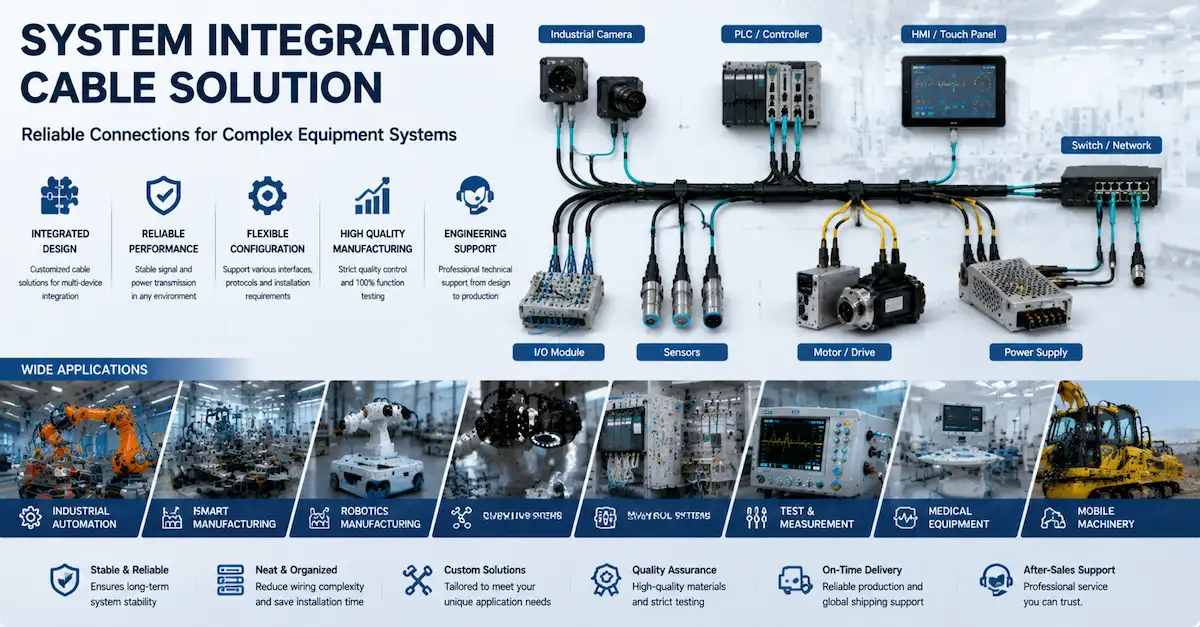
Industrial vision cameras are often part of a larger automation system.
The camera may need to receive power while also connecting its I/O signals to a terminal block, controller or other control equipment. In these applications, a simple plug-to-plug cable may not be the most practical solution.
This is where a dedicated M12 Power & I/O Cable can simplify the installation.
A Cable Designed for Keyence Industrial Vision Cameras
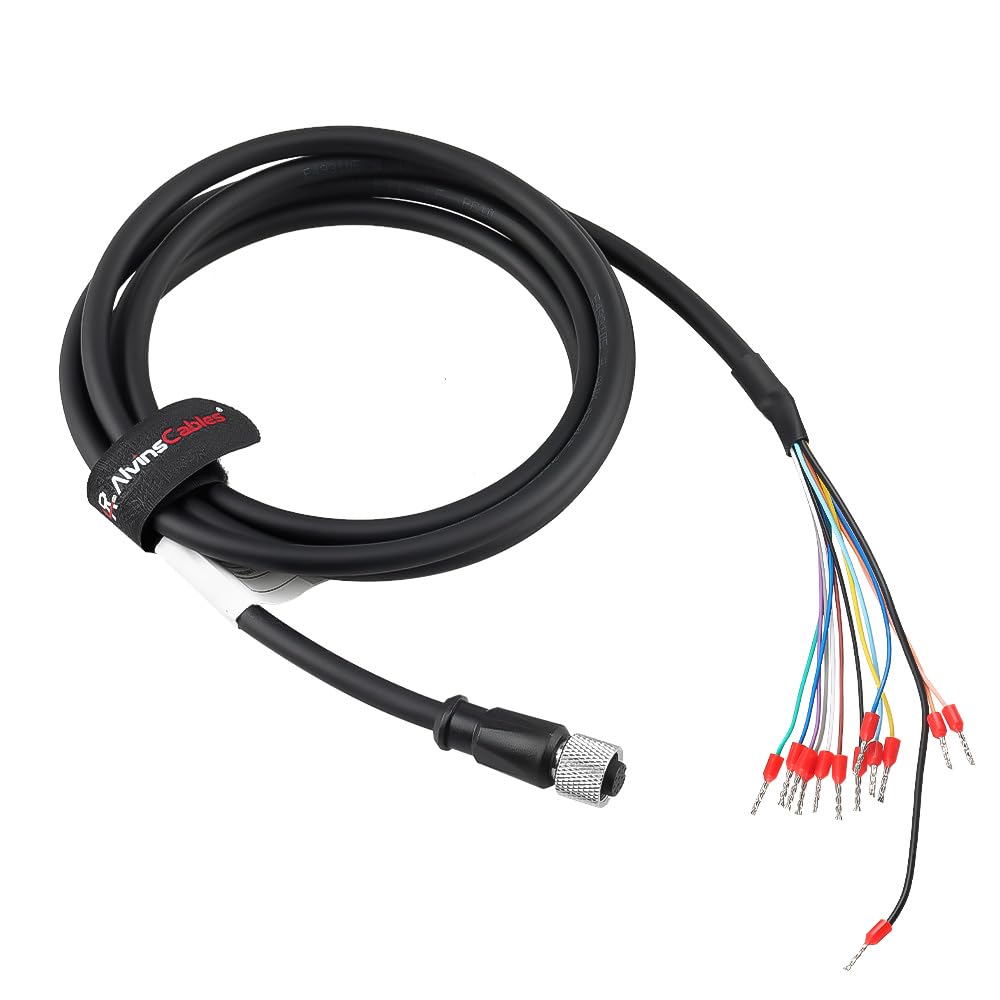
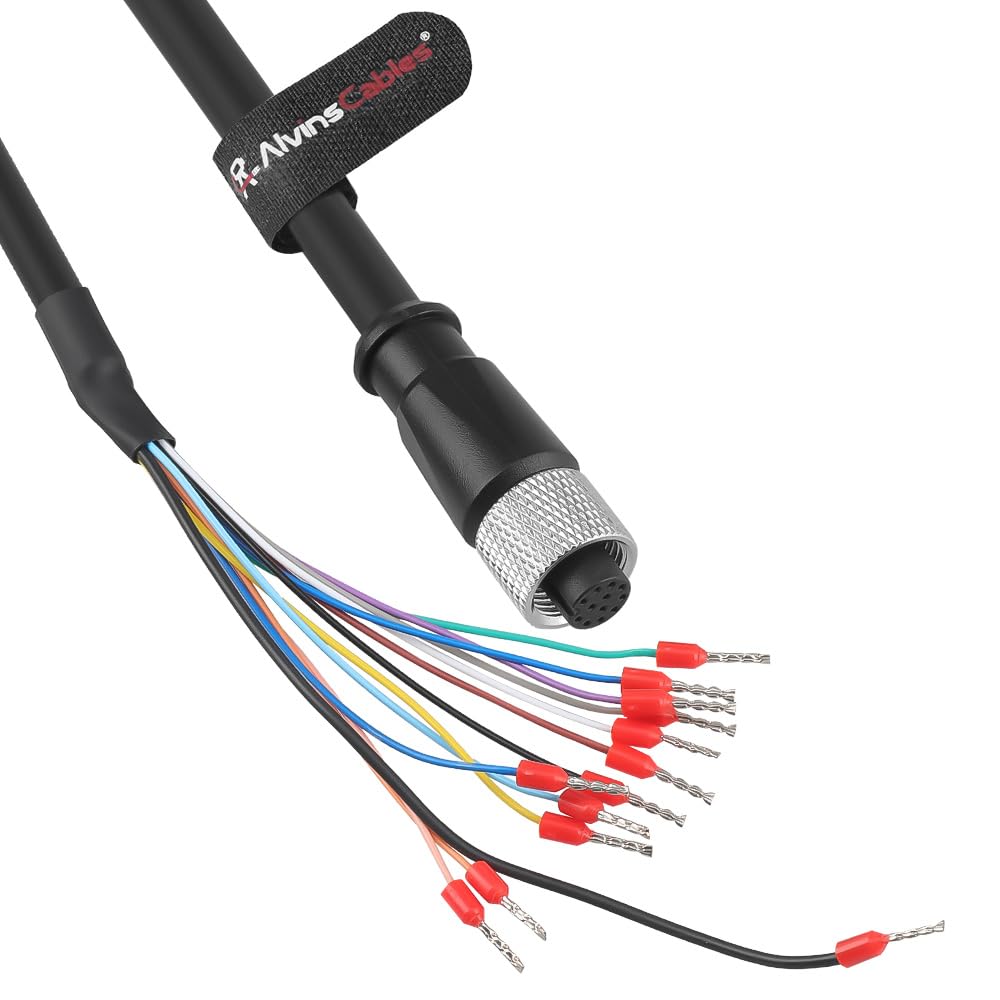
Alvin's Cables offers an M12 A-Code 12-Pin Female to Open Wire Power & I/O Cable designed for Keyence OP-88810, OP-88811 and OP-88812 industrial cameras.
The camera side uses an M12 A-Code 12-Pin Female connector, while the opposite end is prepared for connection to a terminal block or control system.
This configuration is particularly useful when the camera needs to be integrated directly into an industrial control cabinet or automation system.
Power and I/O in One Cable
An industrial camera installation may involve both power and signal connections.
Instead of using multiple separate cables, this integrated cable brings the required connections together in one cable assembly.
The open end is prepared with different terminal styles:
Ring terminals are used for the power lines, including 24V and 0V.
Spade terminals are used for the signal lines.
This makes the cable ready for connection to the corresponding terminal or control-system wiring.
Typical Connection Structure
Keyence Industrial Camera
→ M12 A-Code 12-Pin Female
→ Integrated Power & I/O Cable
→ Open-Wire / Terminal Connections
→ Control System / Terminal Block
The exact wiring should always be verified against the camera's documentation and required pinout before installation.
Why Use an Integrated Cable?
In an industrial automation environment, cable management matters.
Using separate cables for different functions can increase the number of cables that need to be routed and secured.
An integrated power and I/O cable can help create a cleaner connection between the camera and the control system while keeping the required connections together.
This can be useful in applications such as:
· Machine vision inspection
· Automated quality control
· Industrial camera systems
· Factory automation
· Production-line monitoring
· Vision-guided automation
High-Flex Construction for Industrial Applications
Industrial cameras are not always installed in a completely static position.
Some camera systems are mounted on moving machinery, automated equipment or cable carriers.
For these applications, cable flexibility becomes an important consideration.
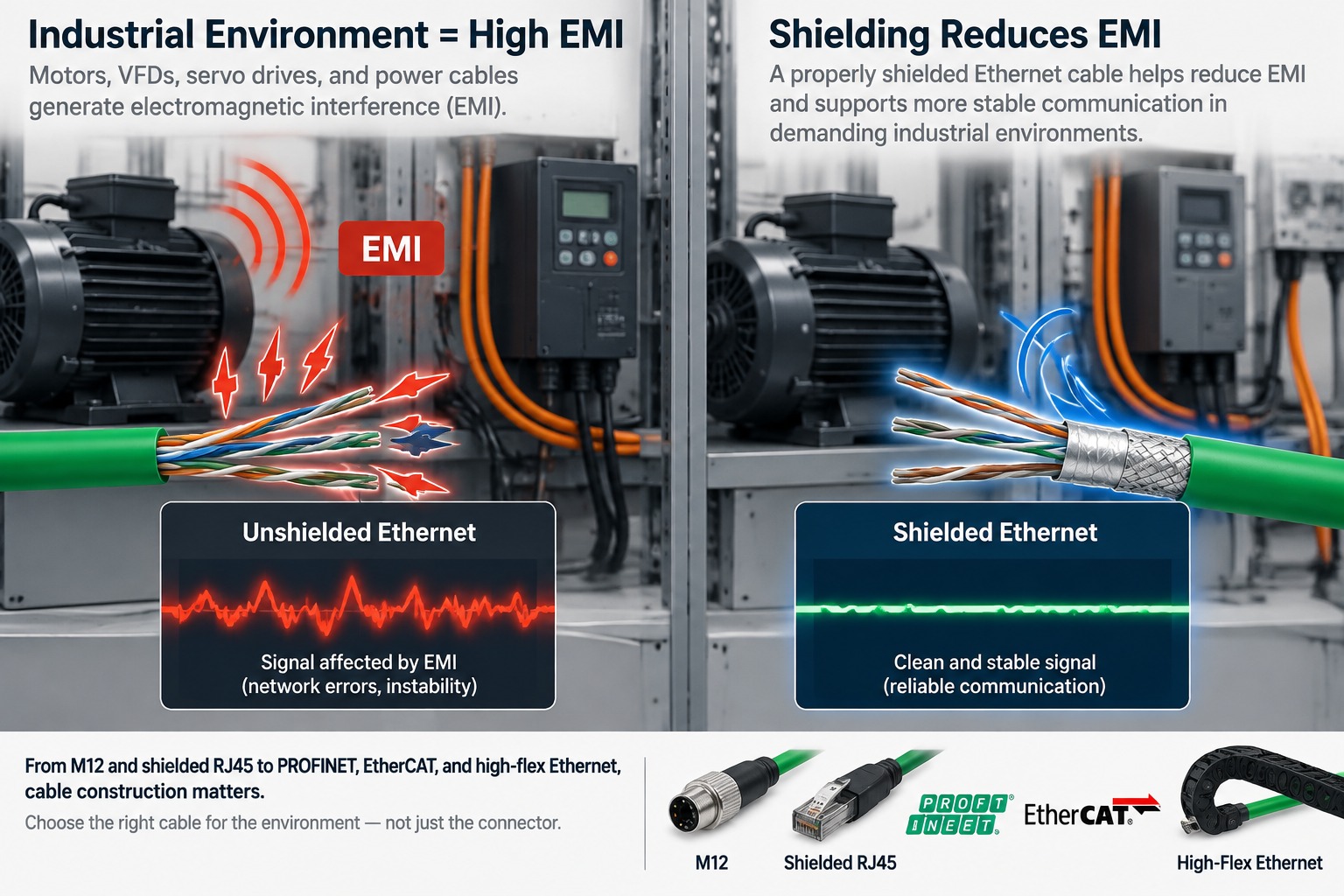
This Alvin's Cables configuration uses a high-flex cable construction designed for drag-chain applications, helping the cable accommodate repeated bending and movement.
The cable insulation is also designed to provide flexibility while protecting the conductors from the surrounding environment.
Standard Lengths for Different Installations
Different automation layouts require different cable lengths.
This product is available in standard:
· 2 m / 6.56 ft
· 5 m
· 10 m
Other cable lengths can also be customized according to the installation requirements.
Choosing an appropriate cable length can help avoid excessive slack while providing enough cable for routing and equipment movement.
Where Can This Cable Be Used?
1. Machine Vision Systems
Connect a compatible Keyence industrial camera to the power and I/O wiring of a vision system.
2. Factory Automation
Integrate the camera into an automation system where power and control signals need to be routed to a terminal block.
3. Inspection Equipment
Provide a structured connection between an industrial vision camera and the control-side wiring used by inspection equipment.
4. Dynamic Installations
The high-flex construction makes this configuration suitable for applications where the cable needs to move repeatedly, subject to the specific installation requirements.
What Should You Check Before Ordering?
For industrial camera cables, connector appearance alone is not enough to confirm compatibility.
Before ordering, check:
|
Requirement |
What to Confirm |
|
Camera Model |
Keyence model / exact device |
|
Camera Connector |
M12 A-Code 12-Pin |
|
Connector Gender |
Female |
|
Power |
Required voltage and power pins |
|
I/O |
Required signal pins and functions |
|
Terminal Type |
Ring / spade / other |
|
Cable Length |
Required routing length |
|
Movement |
Static or dynamic |
|
Installation |
Standard routing or drag chain |
For custom configurations, providing the camera model, connector information, pinout or wiring diagram, required length and terminal requirements can help ensure the cable is built to the intended application.
A Practical Connection Solution for Industrial Vision
For industrial cameras, the cable is part of the overall system—not just an accessory.
The right cable needs to match the camera interface, power requirements, I/O configuration and installation environment.
Alvin's Cables provides M12 industrial camera cables, Power & I/O cables and custom cable solutions for machine vision and industrial automation applications.
Need a different length, terminal configuration or cable structure? Contact us for a custom solution.